I’ve spent the better part of two decades in event production. I started in the trenches of venue ops, hauling crates and checking cable runs, before moving into the high-pressure world of B2B conference production. Then came the pivot to hybrid—where I spent years helping agencies and organizers realize that "throwing a camera in the back of the room" isn't a strategy; it’s an expensive mistake.
If there is one thing that drives me up the wall, it’s hearing someone call a single, static livestream a "hybrid event." It isn't. It’s a broadcast, and a poorly designed one at that. When you see your virtual audience numbers crater 15 minutes into a keynote, it’s not because they were "distracted by email." It’s because you didn't give them a reason to stay.
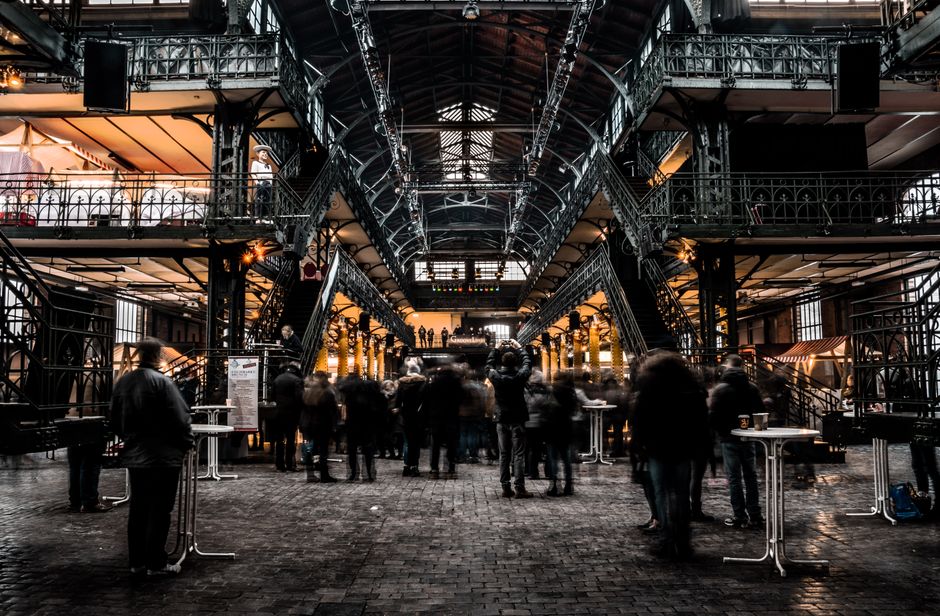
If you want to master virtual keynote engagement, you have to stop treating your digital attendees as second-class citizens. They aren't watching a recording; they are active participants. Here is how you fix the retention problem.
The Structural Shift: Beyond the Broadcast
For years, we operated under a simple model: the speaker stands on a stage, the audience sits in the dark, and the content flows in one direction. When we transitioned to hybrid, many organizers tried to paste that exact model onto a screen. But when your "venue" is a browser tab, you are competing with Slack, LinkedIn, and the doorbell ringing.
Audience flexibility is now the default expectation. Your attendees aren't "trapped" in the room. They have the power to close the tab instantly. Retention isn't about forcing them to watch; it's about designing a journey that feels just as tailored to them as it does to the person sitting in the front row of the ballroom.
The "Hybrid as an Add-on" Failure Mode
The biggest reason for high drop-off rates is under-investment. When you treat the virtual component as a "nice to have" or a simple add-on, it shows. The audio is usually an afterthought, the slides aren't optimized for smaller screens, and the speaker ignores the camera entirely to focus on the live room. If the virtual attendee feels like an observer looking through a keyhole, they will leave. You must design for the virtual experience *first* to ensure the content lands, regardless of where the attendee is located.
My "Second-Class Experience" Warning Checklist
Before you commit to your production plan, I run every project through this checklist. If you answer "Yes" to any of these, you are setting your audience up to drop off before the midpoint:
- The "Lurker" Trap: Can the virtual attendee see the live audience reacting, or are they staring at a static shot of a person on a stage? Audio Mismatch: Is the audience mic audio low or echoey? If they can't hear the Q&A from the floor, they feel excluded. The "Long-Form" Fatigue: Does your keynote lack "pattern interrupts"—visual changes, polls, or segments—every 7-10 minutes? No Call to Action (CTA): Is there a specific instruction for the virtual audience to do something other than "watch"? Zero Moderation: Is there a dedicated host for the virtual stream, or is the chat just a ghost town?
Interactive Session Design: The Tools You Need
You cannot rely on a video player alone. To maintain audience retention, you need hybrid event venue selection tips to layer your production using two distinct types of tech:
1. Live Streaming Platforms
This is your foundation. You need a platform that offers more than just a video feed. Look for features like adaptive bitrate streaming (so they don't buffer), integrated captioning, and the ability to toggle between different views (e.g., speaker-only, slide-only, or picture-in-picture).
2. Audience Interaction Platforms
These are your engagement engines. Whether it’s a dedicated Q&A tool, a live polling widget, or a social feed, this is where the "virtual-first" design happens. If you aren't using these tools to pull the audience into the conversation, you are missing the point of hybrid.
Feature The "Second-Class" Approach The "Equal Experience" Approach Q&A Virtual people type questions, nobody answers. Virtual host reads questions aloud for the speaker. Polling Polls for the room only. Aggregated results shown on screen for both. Visuals Screen-sharing the slide deck. Mixing camera feeds with overlaid graphics.Designing Equal Experiences
To truly stop the drop-off, you must bridge the gap. I always suggest webinar vs hybrid event having a "Virtual Emcee"—a human being whose sole job is to advocate for the digital audience. This person isn't just a moderator; they are the bridge. They should interrupt the flow to say, "The virtual audience is asking [X]," or "We have 400 people on the stream right now, let's see how they feel about this."
When the audience feels seen, they stay. When they feel like a statistic in your "views" metric, they leave. And please, spare me the vague claims about how many "views" you got. Tell me your average watch time and your drop-off peak. If you can’t measure it, you can’t improve it.
The "What Happens After" Question
I ask this at every planning meeting: "What happens after the closing keynote?"
Most organizers spend months on the keynote and exactly zero seconds on the transition. If your virtual attendee clicks "close" as soon as the keynote ends, you’ve lost your momentum. You need a bridge to the next segment—a virtual breakout, a networking session, or a recorded "debrief" with the speaker that is exclusive to the digital audience.
If you don't provide a reason for them to stick around after the final slide, you’ve effectively told them the event is over. The keynote shouldn't be the finale; it should be the catalyst for the next interaction.
Summary: How to keep them locked in
Engagement isn't magic. It’s intentional interactive session design. Here is your action plan:
Budget for parity: Stop treating the virtual stream as an add-on. If you don't have the budget to do it right, don't do it at all. Design for the small screen: Ensure your slides are readable on a laptop, not just a 20-foot projection screen in a hall. Use the "Virtual Emcee": Give your digital audience a voice in the room. Shorten the cycles: If your speaker isn't engaging the chat or using polling every 10 minutes, your drop-off rate will spike. Plan the post-keynote: Have a clear, engaging call to action that leads the audience into the next phase of the experience.Stop overstuffing your agendas with 60-minute monologues that ignore time zones and attendee attention spans. A tight, 30-minute, high-interaction session will always outperform a sprawling, hour-long lecture. Respect their time, build them into the structure, and watch your retention metrics shift. Now, go look at your current agenda—what happens after the closing keynote?